Chapter 1 · The house
A granite house, an old garden, and a birthday present
The house had stood on the edge of the village since the 1920s: grey granite, bay windows, a long lawn running down to a stone shed and one crooked apple tree that the estate agent had called “characterful”.
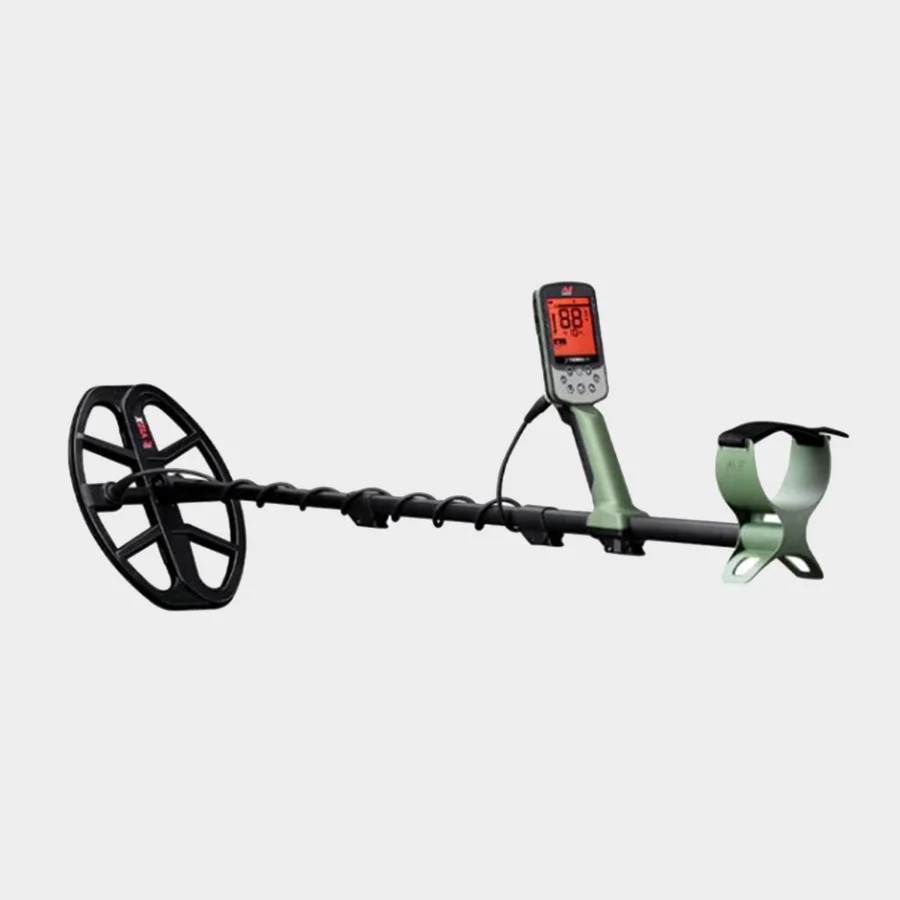
Rob's sister had given him a metal detector for his birthday, half as a joke. “You've got a garden now. Go and find something.” For the first week the box stayed in the hall, between the moving boxes.
Chapter 2 · The beep
Bottle caps, a nail, a 2p coin. And then a different sound
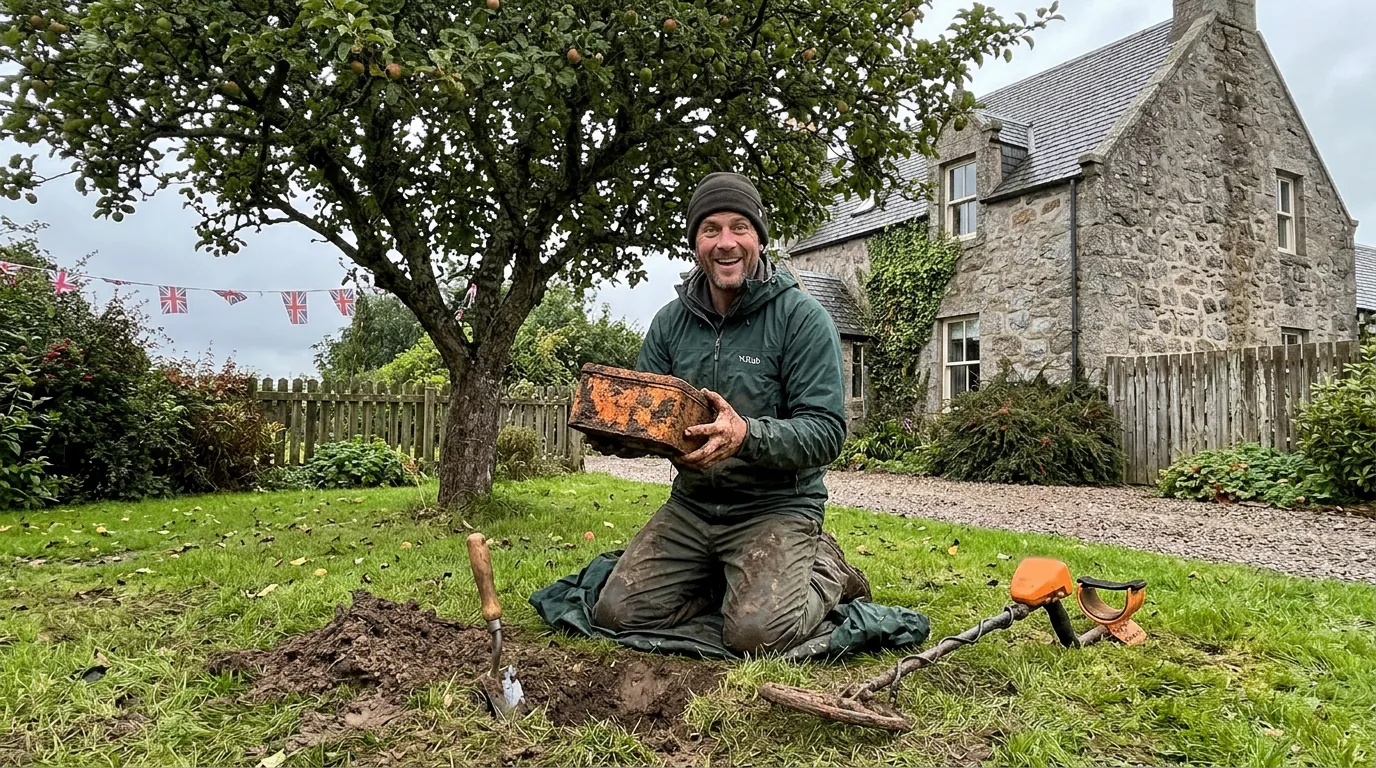
The first hour was what every beginner gets: ring pulls, a rusty nail, a 2p coin from 1998. Ellie watched from the kitchen with a cup of tea. Then, beneath the apple tree, the detector gave a tone Rob hadn't heard before: deep, steady, the same every time he swept across it.
Try it yourself
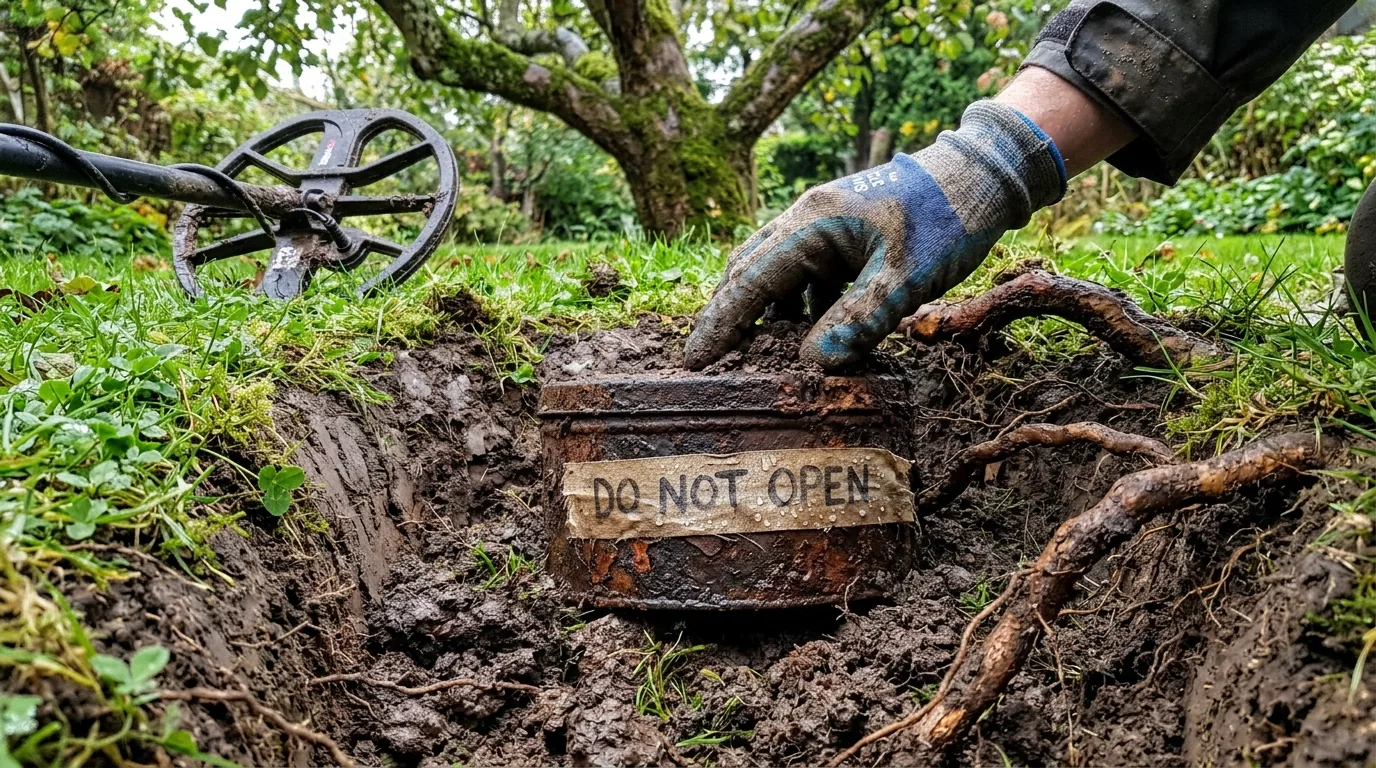
Move the slider across the lawnHe dug carefully. Roots, stones, cold black soil. At about thirty centimetres the spade scraped against metal.
Chapter 3 · The tin
A warning on the tape
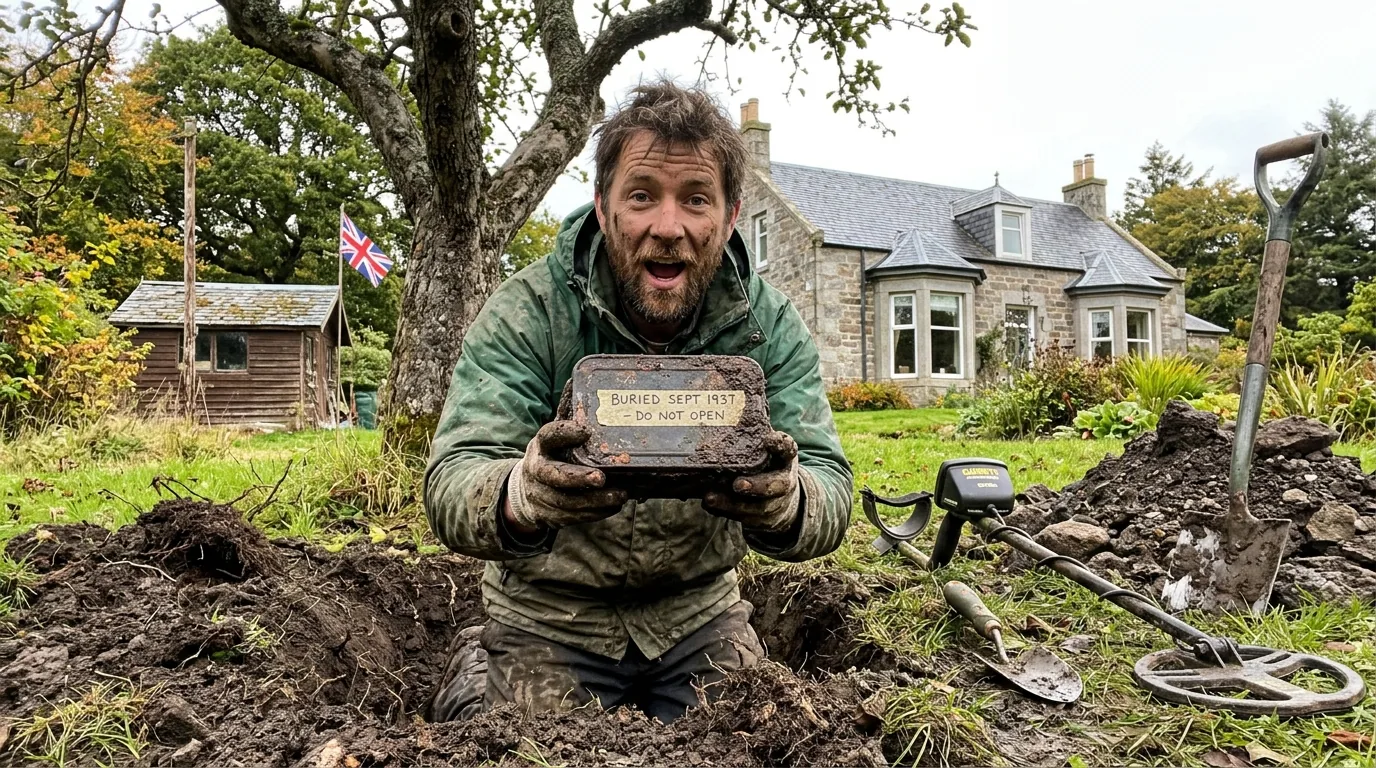
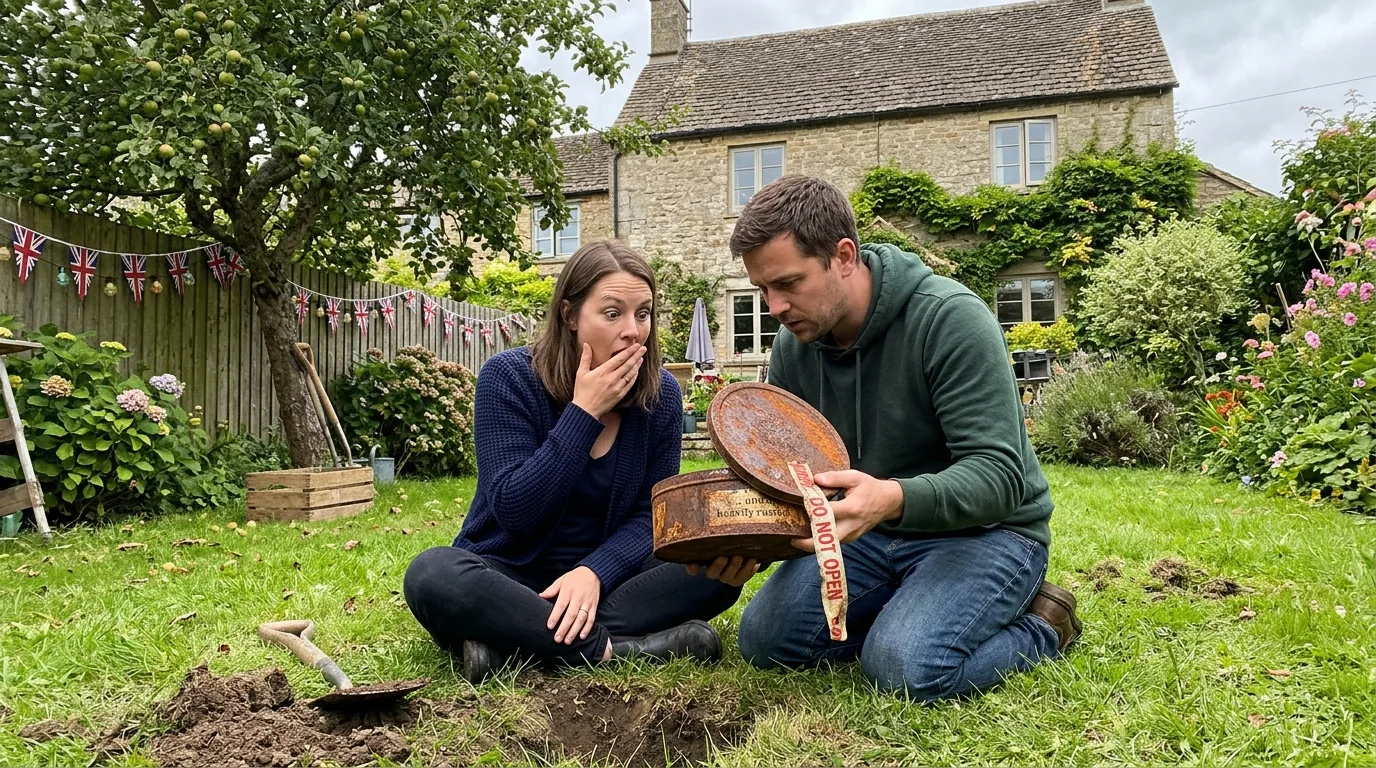
It was an old biscuit tin, the red paint almost gone. Around the lid someone had wrapped a strip of tape and written on it in pencil, in big, careful letters: BURIED SEPT 1937 – DO NOT OPEN.
Eighty-nine years. Before the war, before the house had a telephone, before Rob's grandparents were born. Ellie came out of the kitchen without putting her tea down.
Would you have opened it?
Chapter 4 · Inside
It wasn't treasure. It was something left on purpose
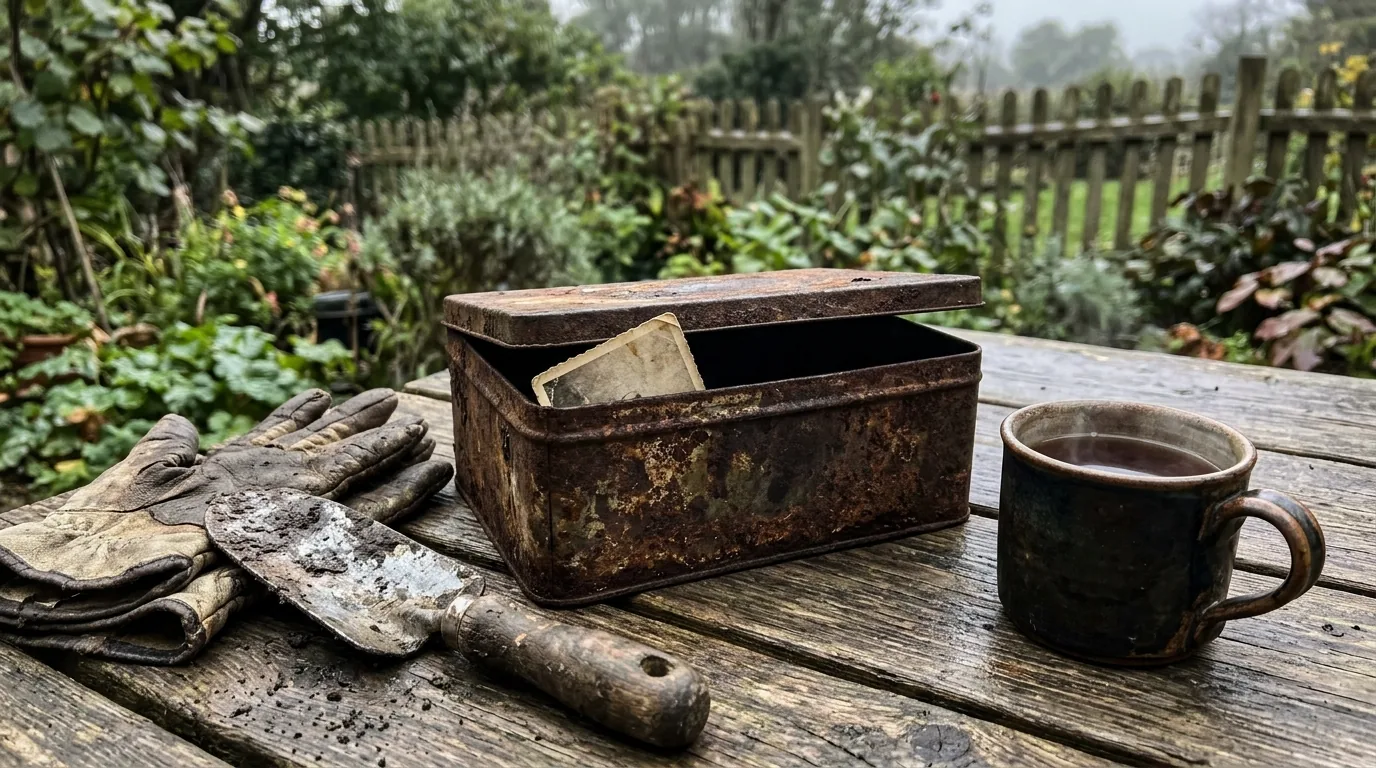
The tin had kept its contents almost perfectly dry. Ellie laid everything out on the garden table, one piece at a time, and Rob wrote a list on the back of an envelope.
Contents of the tin
- A small photograph: two children by a young apple tree
- A penny dated 1937
- A painted lead soldier, one arm missing
- A glass marble, blue
- A child's drawing of the house
- A folded letter
The house in the drawing was their house: same bay windows, same chimney. And next to it, a tiny tree with five red dots for apples. Then Ellie unfolded the letter.
To whoever finds this,
We are Margaret (8) and Alastair (11). We live here. Dad planted this apple tree for us. Please look after it.
Do not open unless you are kind.
September 1937
Reconstruction of the letter. Names are fictional.
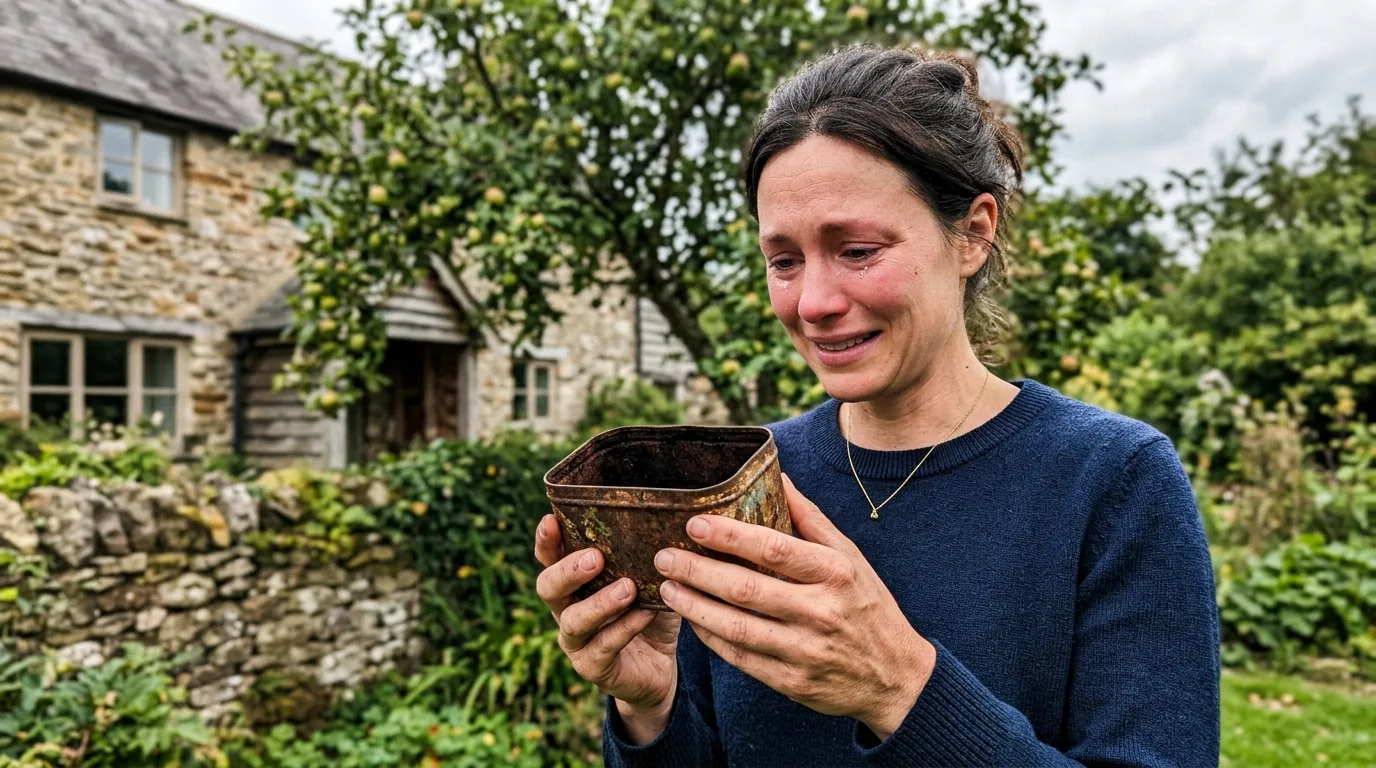
I read it three times. Then I looked up at the tree. It's still there. It still has apples.Ellie, dramatisation
Is a find like this “treasure”?
Usually not. Under the Treasure Act 1996 in England, Wales and Northern Ireland, treasure mainly means objects at least 300 years old containing precious metal, and certain coin hoards. Scotland is stricter: under Treasure Trove, ownerless finds should be reported to the Treasure Trove Unit, which decides whether to claim them. A tin whose owner can be found is not ownerless, which is one more reason Rob and Ellie went looking for Margaret and Alastair.
If you ever find something that might be treasure, it must be reported. And always get the landowner's permission before detecting anywhere that isn't your own garden.
Chapter 5 · The search
“Does anyone know a Margaret who grew up here?”
Ellie posted one photo of the drawing and one of the letter in the village group. By the evening it had been shared across Aberdeenshire.
Dramatised thread. People and messages are fictional.
Chapter 6 · The answer
Margaret came back to the garden 89 years later
Margaret lives in a care home in Aberdeen. Her brother Alastair died in 2009. She had not been inside the garden since her family moved away in 1951.
Fiona drove her out on a Thursday. Rob had put a chair under the apple tree. Margaret held the letter for a long time without reading it, because she didn't need to. Then she asked for the marble. “That was Alastair's,” she said. “He was furious I put it in.”
- 1929Margaret is born in the house.
- 1934Her father plants an apple tree on the lawn.
- 1937Margaret and Alastair bury a biscuit tin beneath it.
- 1951The family moves away. The tin stays.
- 2026A birthday-present detector finds it in the first hour under the tree.
She told us to keep the tin in the house. “It lives here,” she said. “So do you now.”Rob, dramatisation
The tin is on a shelf in the hall. Rob still takes the detector out on Saturdays. So far: three ring pulls, a horseshoe and a 1960s sixpence. “Nothing will top the first hour,” he says. “But that's not really why I go out anymore.”